Lisa Share
v0.2 · AppleShare file sharing for the Apple Lisa Office System
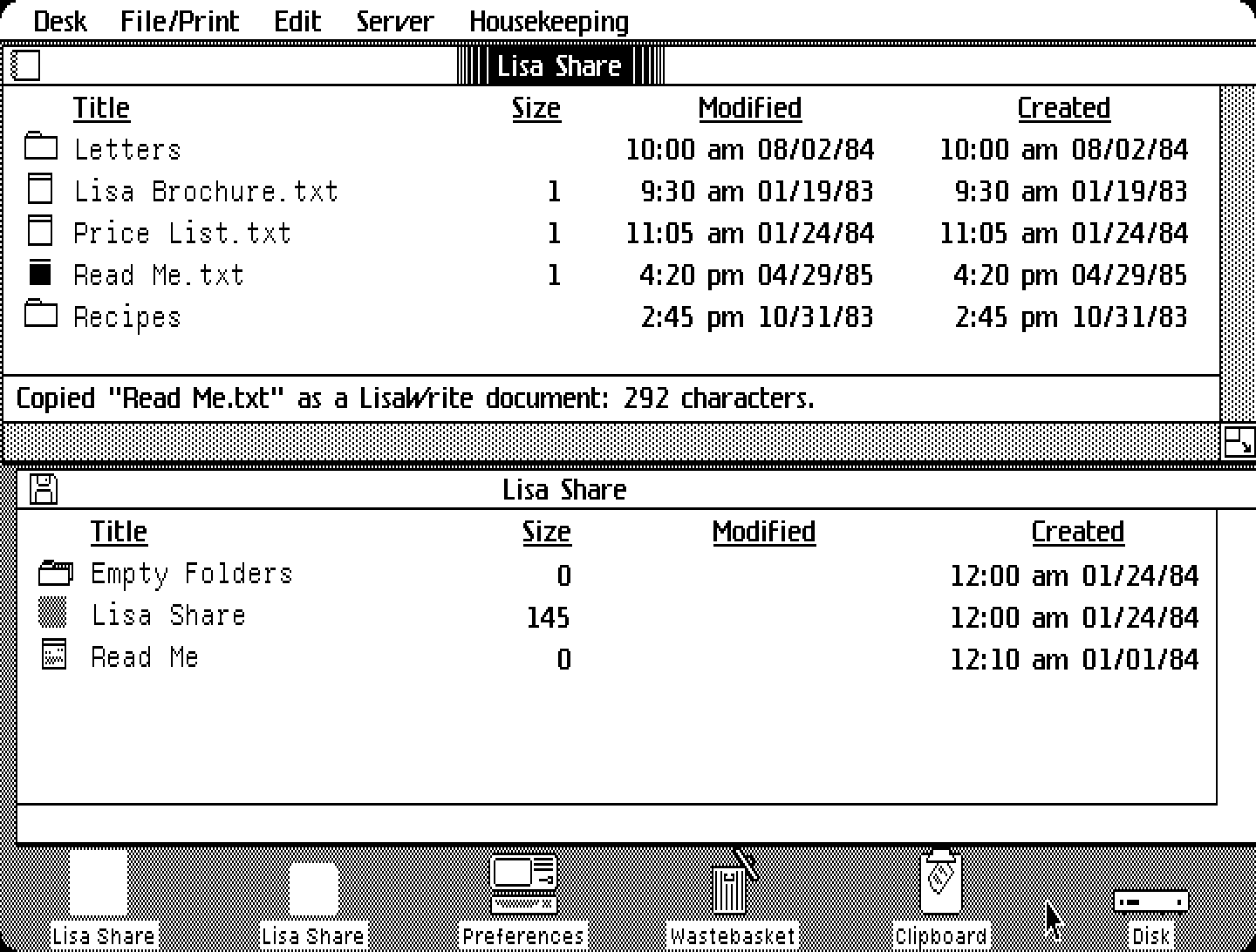 Boot it in your browser
Opens the granny-smith
emulator (v0.9.4): a Lisa 2 starting the Office System 3.1 with the Lisa
applications, and the Lisa Share floppy in the drive. The ROM and the Office System disk come from
archive.org; the first start takes a little while. The emulator runs an AppleShare server,
Shared Folders, whose volume Shared is the folder /opfs/shared in its
Filesystem panel: drop a few files from your computer there first.
- Open the Lisa Share diskette, then the Lisa Share tool in it.
- Server > Find Servers; open Shared Folders, then the volume Shared (double-click, or Server > Open).
- Select a file and choose Edit > Copy (or Copy as LisaWrite for a text file). Set Lisa Share aside, select a disk or folder window, and choose Edit > Paste.
- The other way: select a document, choose Edit > Copy Reference, then
Edit > Paste in Lisa Share. The file appears in
/opfs/shared. - Housekeeping switches between the icon and list views, as in a disk window.
The floppy: lisashare.dc42 (DiskCopy 4.2, 400K). Source and earlier versions: github.com/pappadf/lisa-share.